Insert battery 2032 to emulator keys. All 4 emulator keys should be Binded with K518ISE.
Turn on K518
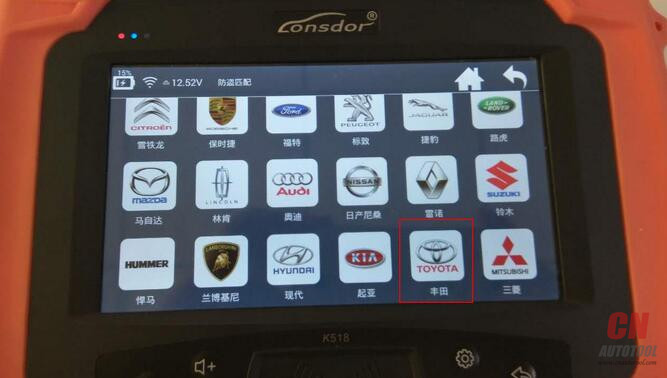
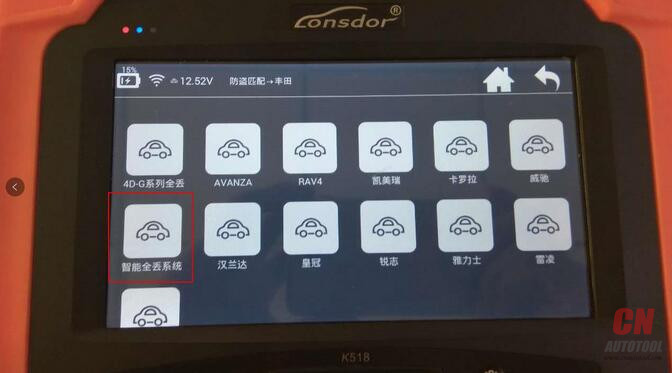
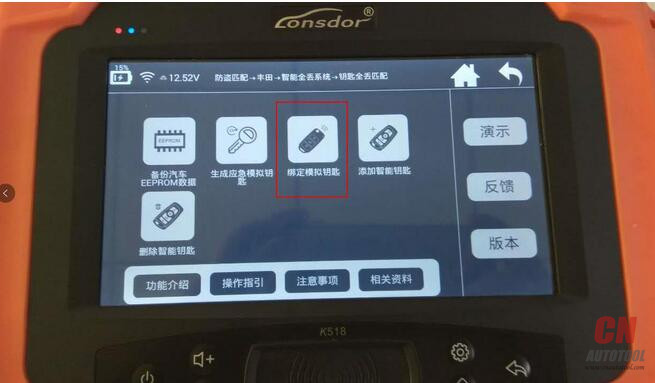
Select Toyota-> All smart keys lost-> Bind emulation key


This function can bind SKE-LT series emulator keys to lonsdor k518ise host.
Such operation is required when using the SKE-LT series emulator keys.

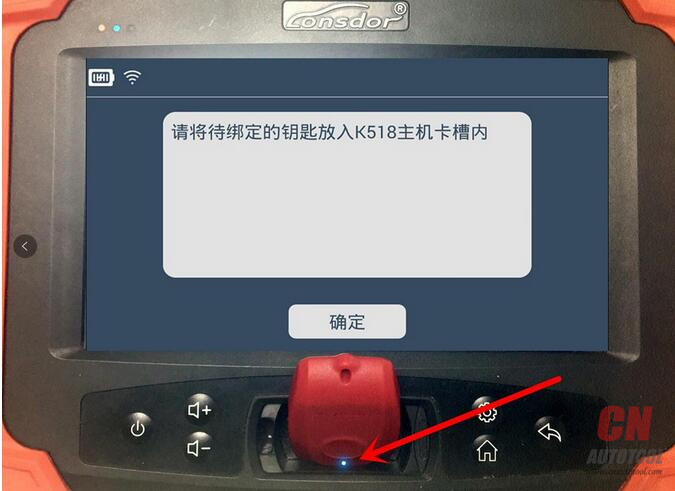
Place the emulator key into car programmer K518 key slot

Press the button on the emulator, green indicator tuns on


emulator keys with car key programming Lonsdor K518ise success,and you can program all keys lost with the emulator key.
TIPS:If a key fails to bind, switch the key more than three times to re-bind, click the button to open, press the button a few seconds off
Turn on K518
Select Toyota-> All smart keys lost-> Bind emulation key
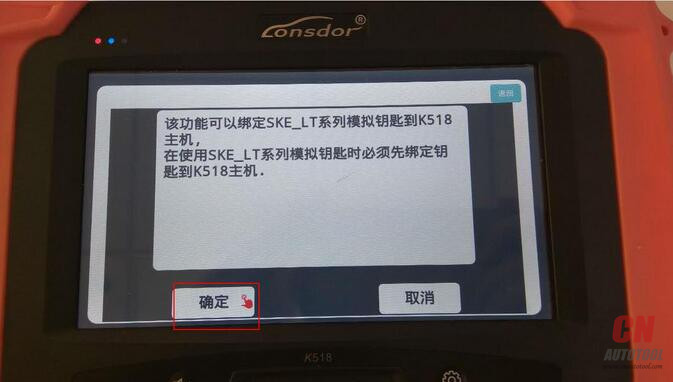
This function can bind SKE-LT series emulator keys to lonsdor k518ise host.
Such operation is required when using the SKE-LT series emulator keys.
Place the emulator key into car programmer K518 key slot
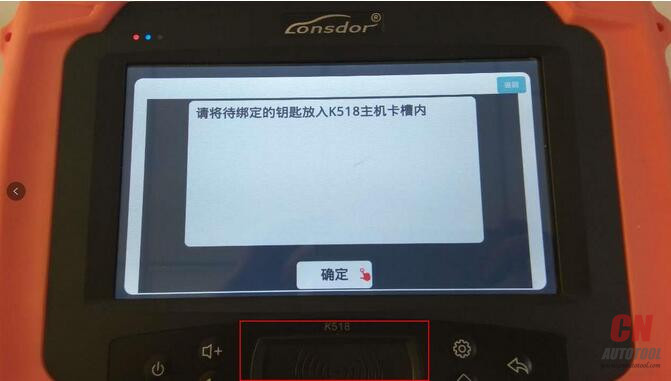
Press the button on the emulator, green indicator tuns on

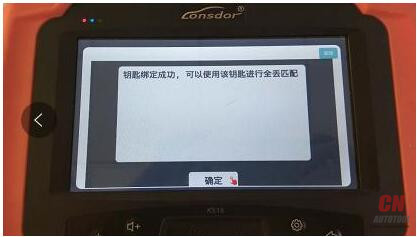
emulator keys with car key programming Lonsdor K518ise success,and you can program all keys lost with the emulator key.
TIPS:If a key fails to bind, switch the key more than three times to re-bind, click the button to open, press the button a few seconds off
